Open advanced search
You can open advanced search at the top of every page as well as from the homepage.

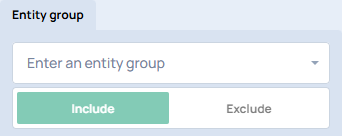
Choose an entity group
- In the left navigation panel, you will see the search field under Entity Group.
- Select a previously created entity group from the drop-down menu. This is a list of previously saved companies or a custom-added list of companies (clients, prospects...).
- Exclude the companies or individuals from this entity group from your search by clicking on exclude.